
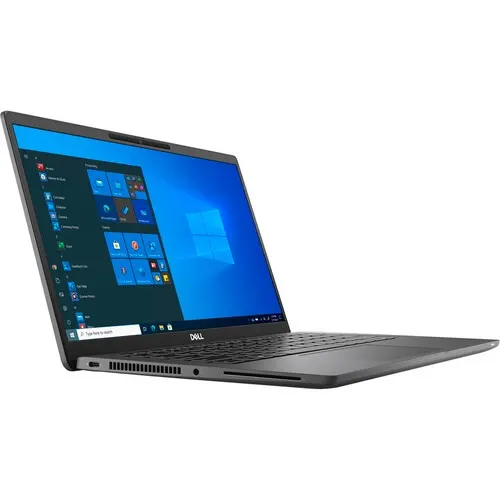



Dell Latitude 7420 Core i7 -1185g7 512GB SSD 16gb 14″ Fhd Touchscreen Backlit Win 10 Pro
₦988,900.00
Product by:
Dell
Quick Overview
- LATITUDE 7420
- CORE I7-1185G7
- 512GB SSD
- 16GB RAM
- 14″ FHD TOUCHSCREEN DISPLAY
- BACKLIT KEYBOARD
- WIN 10 PRO
Description
| Activity | Business |
| Graphics Processor | Intel Integrated Graphics |
| Brand | Dell |
| Screen size | 14 inches |
| Resolution (Display) | 1920 x 1080 |
| RAM | 16 GB |
| Hard Drive | 512 GB |
| Graphics | VGA |
| Wireless | Bluetooth, WIFI |
| USB Ports | 2.0 and 3.0 |
| Battery | Up to 9 hours |
| Operating System | Windows 10 |
| Warranty Period | 1 Year |
| Color | Black |
| Storage Type | SSD |
| Display Technology | Touch Screen |
| Number of Cores | 4 Cores |
-
Dell Alienware M15 R5 Gaming – amd Ryzen 9-5900hx – 1TB SSD – 16GB RAM – 8GB – Nvidia Rtx3070 – Win 11
₦1,485,000.00DELL ALIENWARE M15 EDITION R5 AMD RYZEN 9 5900HX PROCESSOR 1TB SSD 16GB RAM 8GB NVIDIA RTX 3070 -
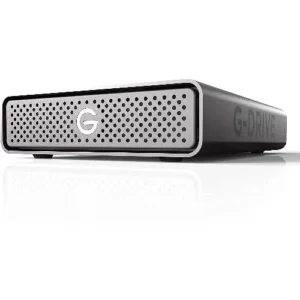
SanDisk Professional 18TB G-drive Enterprise-class Desktop Hard Drive
₦620,400.00Professional 18TB G-drive Enterprise-class Desktop Hard Drive -
Dell Alienware X17 R1 Gaming – 17.3″ Fhd 360hz – core i7-11800 – 1TB SSD – 32GB – 8GB Rtx 3070 – Win 11
₦770,000.0017.3-inch FHD (1920 x 1080) 360Hz 3ms 11th Generation Intel Core i7-11800H (24MB Cache, up to X GHz, 8 cores) 32GB 3200MHz DDR4 1 TB M.2 PCIe NVMe SSD -
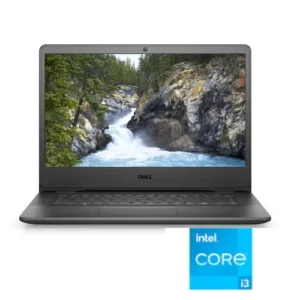
Dell Vostro 14 11th Gen – Intel Core i3 – 8GB RAM – 512GB SSD – 14.1″ – Windows 10
₦316,800.0011th Generation, Intel Core i5 1.2GHz up to 3.4GHz Memory: 8GB DDR4 RAM Storage: 512GB Solid State Drive Screen: 14.1" HD LED Display No Optical Drive Included Windows 10 Pro -
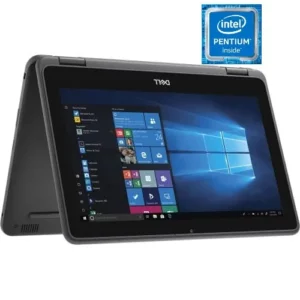
Dell Latitude 3189 X360 Intel Pentium 256GB SSD 8GB Win 10 Pro
₦283,800.00Processor: Intel Pentium N4200 Memory: 8GB DDR4 RAM Storage: 256GB Solid State Drive Operating System: Windows 10 No Optical Drive Included Display: 11.6" HD LED Touchscreen -
Canon Canoscan Lide 300
₦152,900.00Classy and compact Slender, stylish and weighing just 1.7kg, CanoScan LiDE 300 is an affordable space-saving solution. No power output is needed either - just use your PC or laptop's USB connection. Trouble-free operation Take the hassle out of scanning…