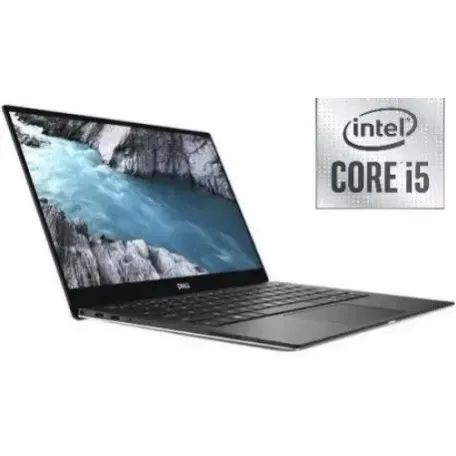
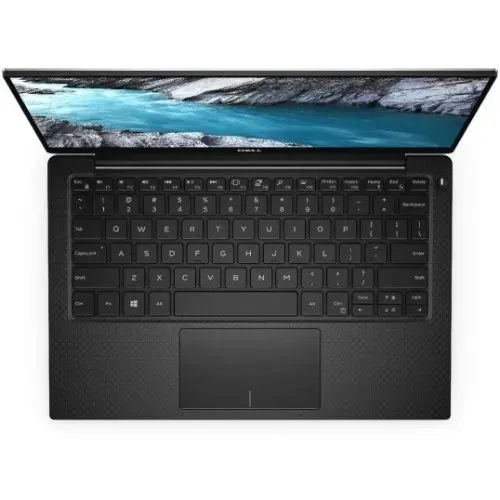
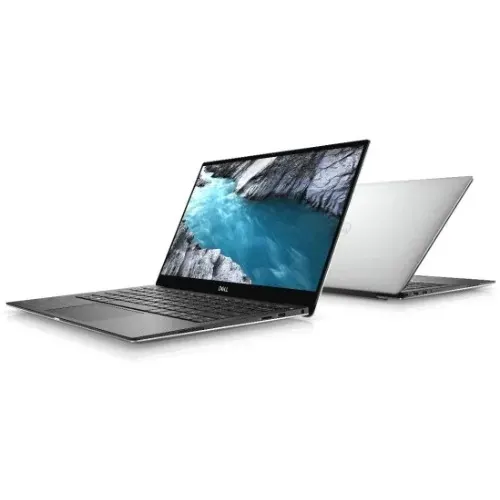
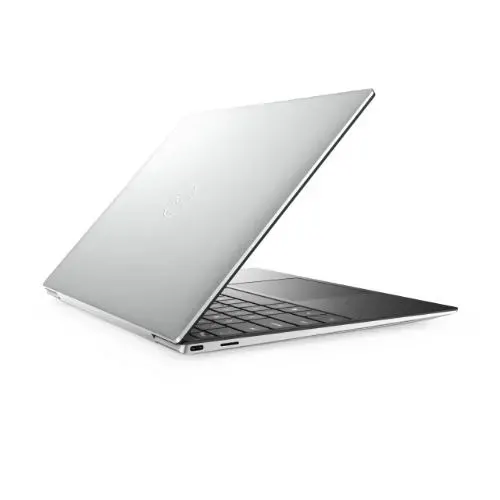
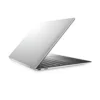
Dell Xps 13 9305- 11th Gen – Intel Core i5 – 256GB SSD – 8GB RAM – Touch Screen – 13 -3″- Windows 11
₦592,900.00
Product by:
Dell
Quick Overview
- Dell xps 13 9305, 11th gen
- intel core i5
- 256gb solid state drive, 8gb memory
- webcam, Bluetooth, wlan, touch screen, no optical drive
- 13.3″ screen
- windows 11 Home
- platinum silver/black color
Description
| Activity | Business |
| USB Ports | Yes w/compatible KVM |
| Battery | Yes |
| Operating System | Windows 10 |
| Graphics Processor | Intel Integrated Graphics |
| Brand | Dell |
| Screen size | 13.3 inches |
| Resolution (Display) | 1920 x 1080 |
| RAM | 8 GB |
| Hard Drive | 256 GB |
| Graphics | VGA |
| Wireless | Yes, Bluetooth, |
| Number of Cores | 4 Cores |
| Storage Type | SSD |
| Display Technology | LED |
| Warranty Period | 1 Year |
| Color | Silver |
-
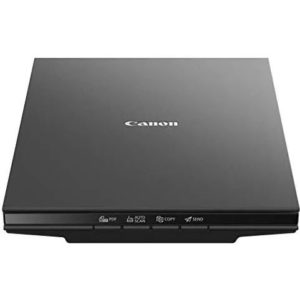
Canon Canoscan Lide 300 Scanner Scan To Cloud
₦129,800.00CanoScan LiDE 300 Scanner scan to cloud, Auto scan, z-lid, 2,400x2,400dpi, Usb powered -
Canon Printer Pixma Ip7240 – Cd – DVD – Direct On Plastic Id Card And Passport
₦362,450.00Main Functions: Document and photo printing. Interface Type - Non PC: Android Ink tank life - document -
Dell Xps 13 9310 13.4″ Oled Touchscreen Core 11th Gen 1TB 16GB Win 11 Home
₦1,082,400.00XPS 13 9310 13.4" OLED Touchscreen Core 11th Gen 1TB 16GB WIN 11 HOME -
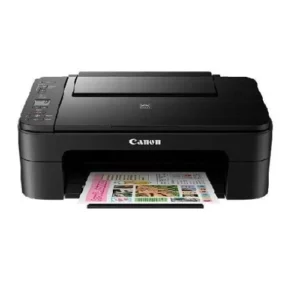
Canon Pixma TS3140 3-in-1 Multifunction Wireless Inkjet Printer
₦48,400.00Inkjet system with 2 FINE cartridges 5x5” Square Media Printing Auto Power On Borderless printing in approx. 65 seconds Smartphone and Tablet print/scan 3.8cm segment mono display -
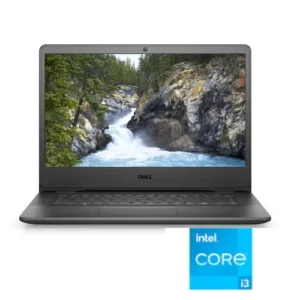
Dell Vostro 14 11th Gen – Intel Core i3 – 8GB RAM – 512GB SSD – 14.1″ – Windows 10
₦316,800.0011th Generation, Intel Core i5 1.2GHz up to 3.4GHz Memory: 8GB DDR4 RAM Storage: 512GB Solid State Drive Screen: 14.1" HD LED Display No Optical Drive Included Windows 10 Pro -
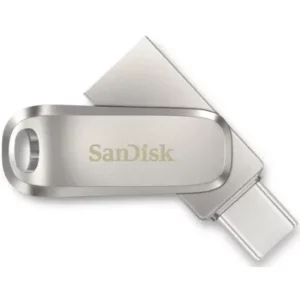
SanDisk Ultra Dual Usb Type-c
₦10,780.00All-metal, 2-in-1 flash drive with USB Type-C™ and Type-A connectors Seamlessly move content between your USB Type-C™ and Type-A devices2 Free up space on your USB Type-C device2<