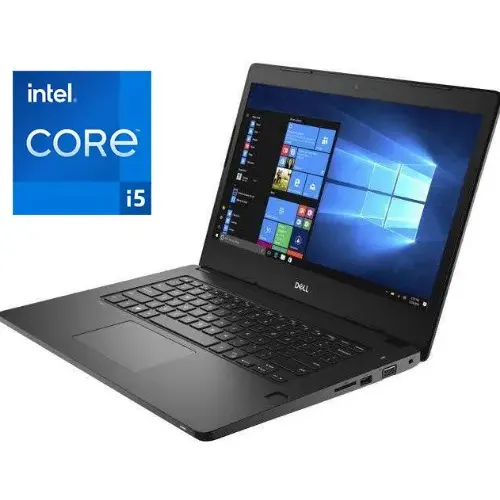
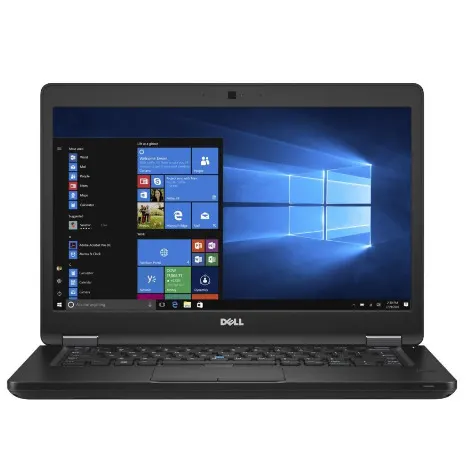
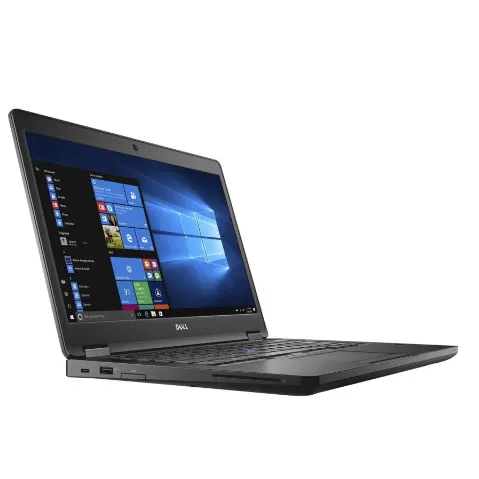
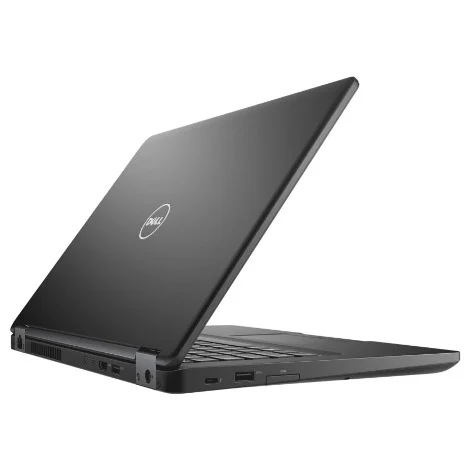
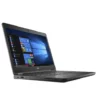
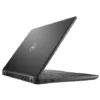
Dell Latitude 5480 Intel Core i5 – 32GB – 512GB Laptop
₦493,900.00
Product by:
Dell
Quick Overview
- Dell’s 14inch Latitude 5480 business laptop is compact and lightweight, with fine fit and finish.
- On the Latitude’s left side, you’ll find a Smartcard slot, USB 3.0 and HDMI
- Fingerprint
Description
| Activity | Personal |
| Operating System | Windows 10 |
| Graphics Processor | Intel Integrated Graphics |
| Brand | Dell |
| Screen size | 14 inches |
| Resolution (Display) | 1366 x 768 |
| RAM | 16 GB |
| Hard Drive | 512 GB |
| Graphics | VGA |
| Wireless | WIFI & Bluetooth 3.0 |
| USB Ports | Yes w/compatible KVM |
| Battery | Yes |
| Operating System | Windows 10 |
| Number of Cores | 2 Cores |
| Storage Type | SSD |
| Display Technology | Not Specified |
| Color | Black |
-
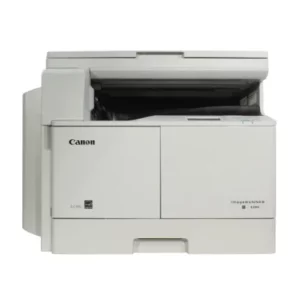
Canon Imagerunner 2204n A4/a3 Photocopy Machine Ir2204n
₦510,400.00MAIN UNIT Machine type BW A3 Laser Multifunctional (Reader/Printer standard) Core functions Print, Copy, Color Scan (standard Network and USB), and Wireless LAN connectivity -
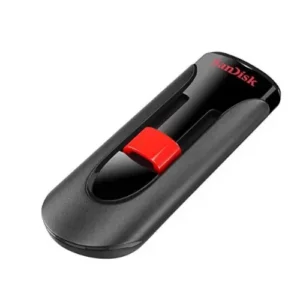
SanDisk 16gb 2.0 Flash Cruzer Glide Usb Drive
₦2,200.00Take it all with you on reliable SanDisk USB flash drives Transfer with confidence when moving images and other files from PC to PC or other CE devices Ideal for video-the easy way to store, share and play your favorite… -
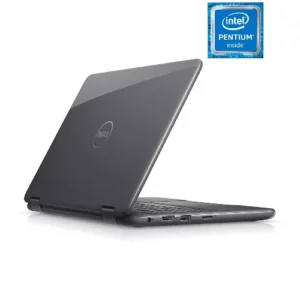
Dell Latitude 3189 X360 Intel Pentium – 256GB SSD – 8GB RAM – Wins 10 Pro
₦282,700.00Processor: Intel Pentium N4000 Memory: 8GB DDR4 RAM Storage: 256GB Solid State Drive Screen: 11.6" HD LED Touchscreen Display No Optical Drive Operating System: Windows 10 Pro -
-
-
Canon Canoscan Lide 300
₦152,900.00Classy and compact Slender, stylish and weighing just 1.7kg, CanoScan LiDE 300 is an affordable space-saving solution. No power output is needed either - just use your PC or laptop's USB connection. Trouble-free operation Take the hassle out of scanning…