

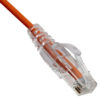




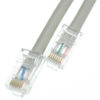
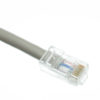
Cat5e Ethernet Cable
₦6,000.00
Quick Overview
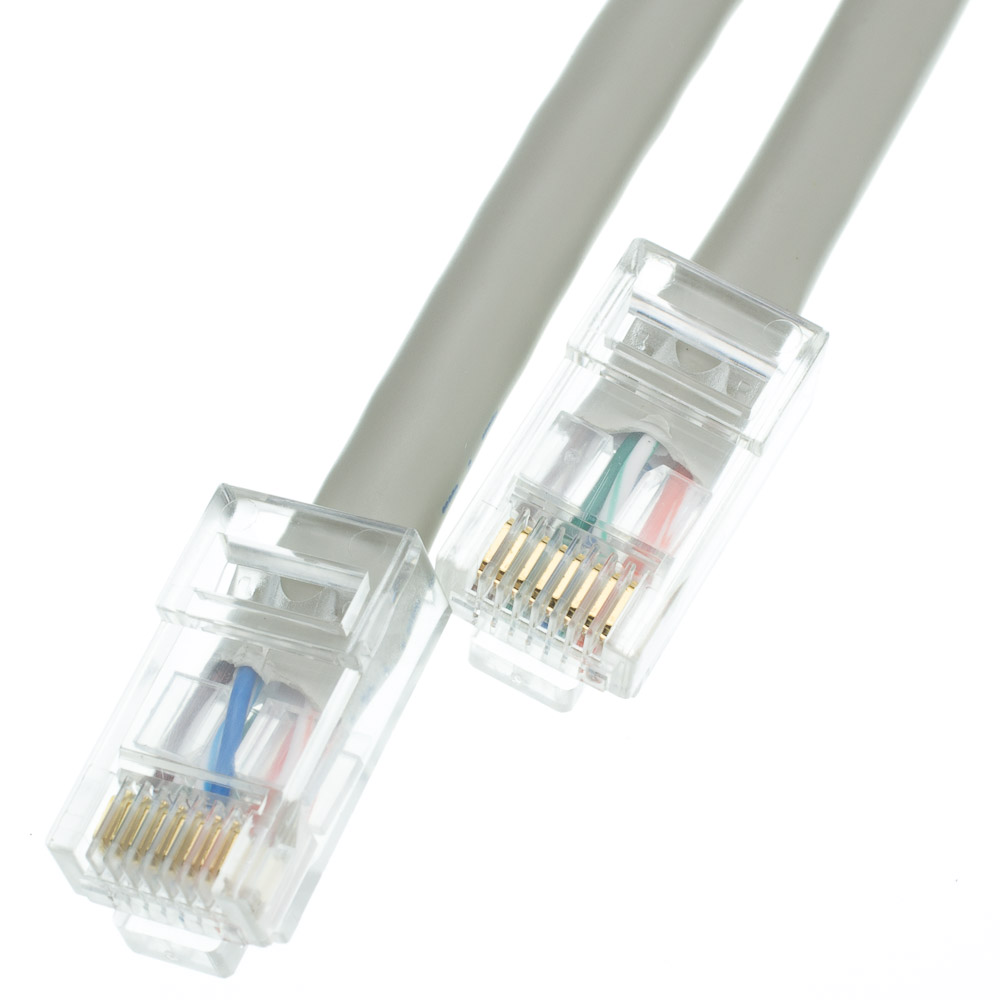
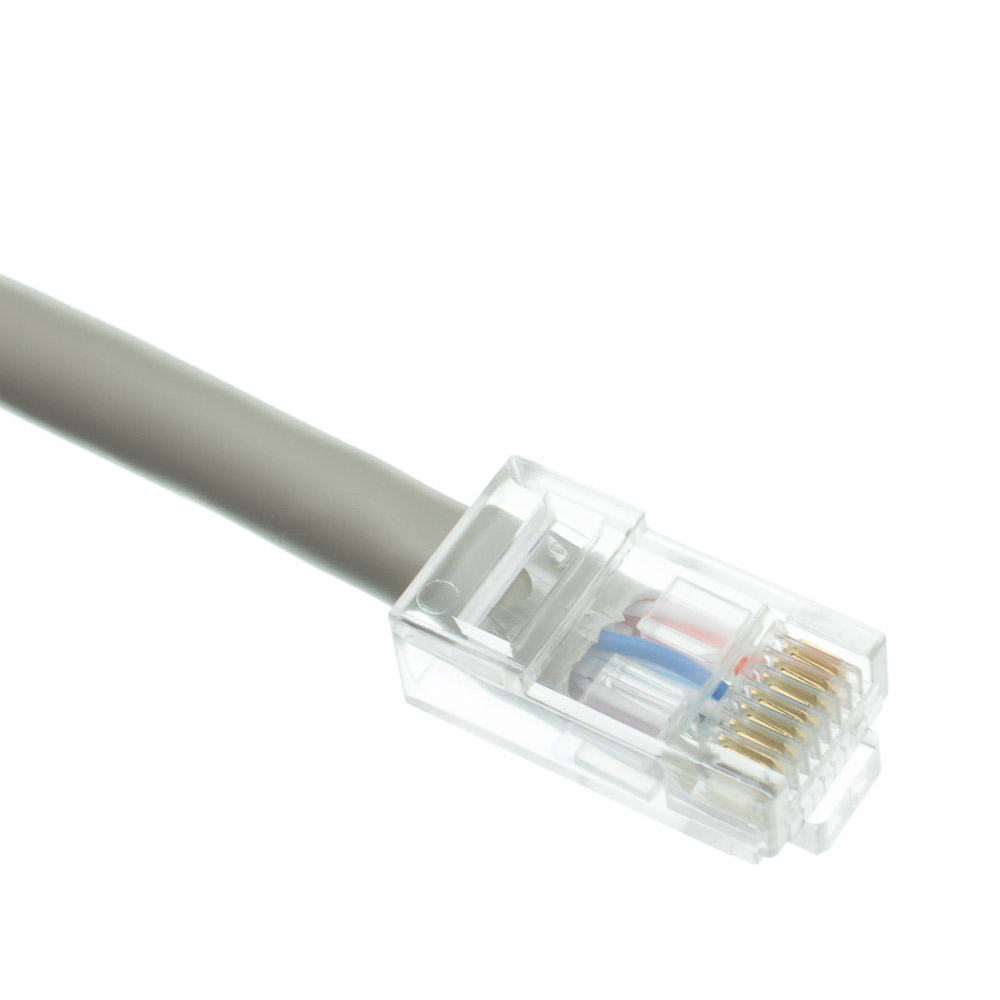
Cat5e Ethernet cables of the 1/2 foot length are typically used in server/network rooms for plugging between patch panels. This is not to say one cannot use them for other purposes such as connecting a Cable or DSL modem to a router/switch in the home or office.
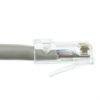
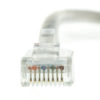
This particular cable is a gray UTP (Unshielded Twisted Pair) bootless patch cable. The connectors are wired to the T568B standard. The individual conductors are 24 AWG (American wire gauge) stranded pure copper. Cat5e patch cables are stranded to improve flexibility. Pure copper conductors provide the best signal possible. The RJ45 plug features gold connectors to prevent corrosion thus ensuring a longer cable life. Our Cat5e Ethernet patch cables exceed the EIA/TIA-568-C standard.
-
Cat8 Gray Copper Ethernet Cable
₦5,000.00This 6-inch Category 8.1 cable, Class I channel, features a gray PVC jacket, braided outer shield, with four individually mylar foil shielded 24 AWG pure copper pairs as defined in ISO/IEC 11801 and ratified in ANSI/TIA 568-C.2-1. Cat8 cabling was… -
HP 14 Intel Pentium – 1TB HDD+4GB RAM – 14 inches – Black
₦216,700.00HP14 intel Pentium 1TB HDD 4GBRAM Windows 10 14 inches -
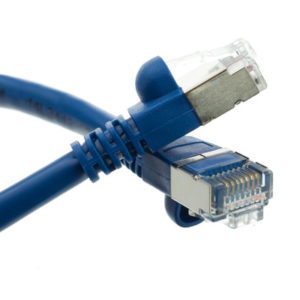
Shielded Cat5e Blue Copper Ethernet Cable
₦0.00This 1 foot blue shielded Cat5e cable will retain a high quality signal when passing near/parallel to high voltage or power cables. It is ideal for noisy environments and/or environments where interference is expected. This is a blue patch cable… -
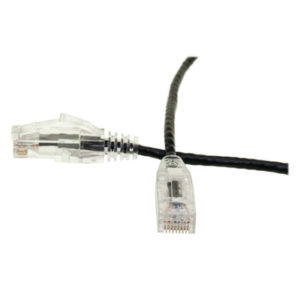
Slim Cat6 Ethernet Patch Cable
₦0.00Slim Cat6 Ethernet cables of the 1/2 foot length are typically used in server/network rooms for plugging between patch panels. This is not to say one cannot use them for other purposes such as connecting a Cable or DSL modem… -
HP DC 6000 SFF -Windows 10 and Office 2016 Preloaded
₦207,900.00Windows 10 and Office 2016 Preloaded -
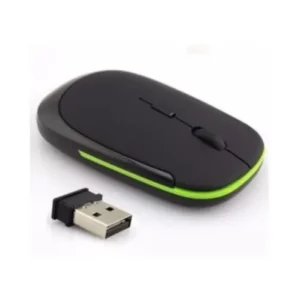
HP Invent Ultra Slim Wireless Mouse
₦2,640.00The HP Ultra-Slim USB 2.4GHZ Wireless Mouse is easy to install and does not require any special driver before it can be used. Plug in its Bluetooth device into your computer and the wireless mouse is ready to use. This…