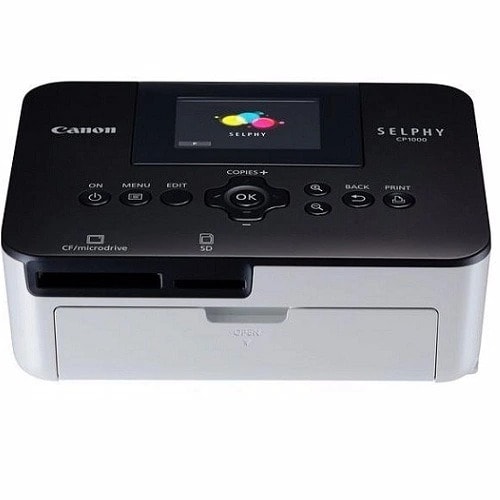
Canon CP1000 Compact Photo Printer
₦51,700.00
Product by:
Canon
Quick Overview
- The SELPHY CP1000 offers low printing costs, with great quality and convenience.
- Plus you can stay in full control with a defined number of prints from every pack of consumables.
- Enjoy even lower print costs with the larger media packs. Print professional quality long lasting photos in less than 1 minute.
- Dye sublimation technology provides superb depth and color gradation without the wait.
- Whether for business or home use, ID Photo Print with Face Frame Guide lets you quickly and easily create and print ID photos in a wide range of accepted sizes.
Description
| Color | Black |
| Brand | Canon |
| Connectivity | WIFI + 4G |
-
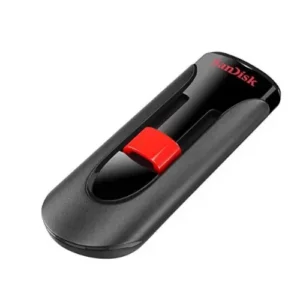
SanDisk 16gb 2.0 Flash Cruzer Glide Usb Drive
₦2,200.00Take it all with you on reliable SanDisk USB flash drives Transfer with confidence when moving images and other files from PC to PC or other CE devices Ideal for video-the easy way to store, share and play your favorite… -
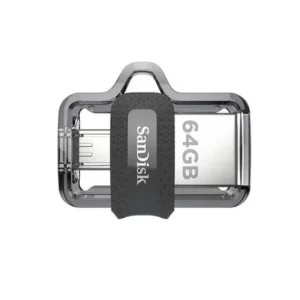
SanDisk 64GB Ultra Otg Flash Drive – Dual Drive M3.0 For Phone And Computer
₦6,600.00Capacity: 64 GB Read Speed: up to 130 MB/s Interface: USB 3.0/micro-USB Interface: Interface: micro-USB and USB 3.0 connectors Operational temperature: 32° - 113° F (0° – 45 -
Dell Latitude 7480 – Intel Core i7 – 32GB – 512GB
₦550,000.00Dell's 13.3-inch Latitude 7480 business laptop is compact and lightweight, with fine fit and finish. On the Latitude's side, you'll find a Smartcard slot, USB 3.0 and HDMI Durable -
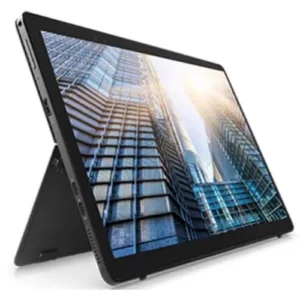
Dell Latitude 5290 2-in-1 -Intel Core i5 -8th Gen 8250u – 8GB Ddr4 SD RAM -256GB M.2 SSD
₦435,600.00Intel Core i5 8th Gen 8250u 8GB Ddr 4 SD RAM 256GB M.2 SSD -
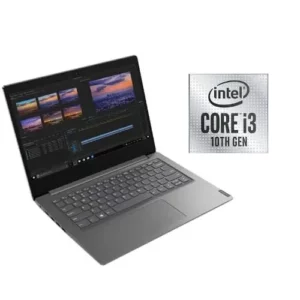
Dell V14-iil-10th Gen- Intel Pentium- 4GB RAM – 1TB HDD – 14″ – Windows 10- Iron Grey color
₦195,800.00Keyboard Standard Notebook Keyboard Web-cam Resolution 0.3 MP Graphic Processor Intel Integrated UHD -
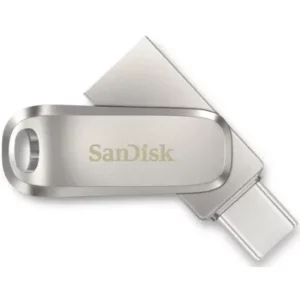
SanDisk Ultra Dual Usb Type-c
₦10,780.00All-metal, 2-in-1 flash drive with USB Type-C™ and Type-A connectors Seamlessly move content between your USB Type-C™ and Type-A devices2 Free up space on your USB Type-C device2<